

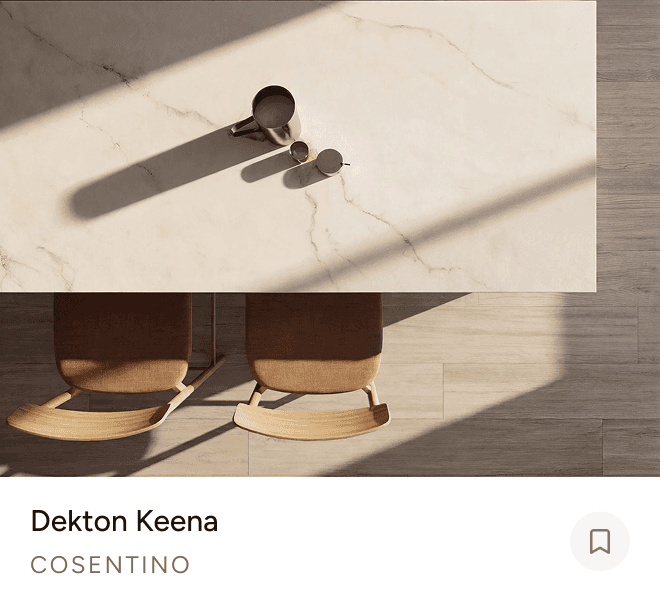


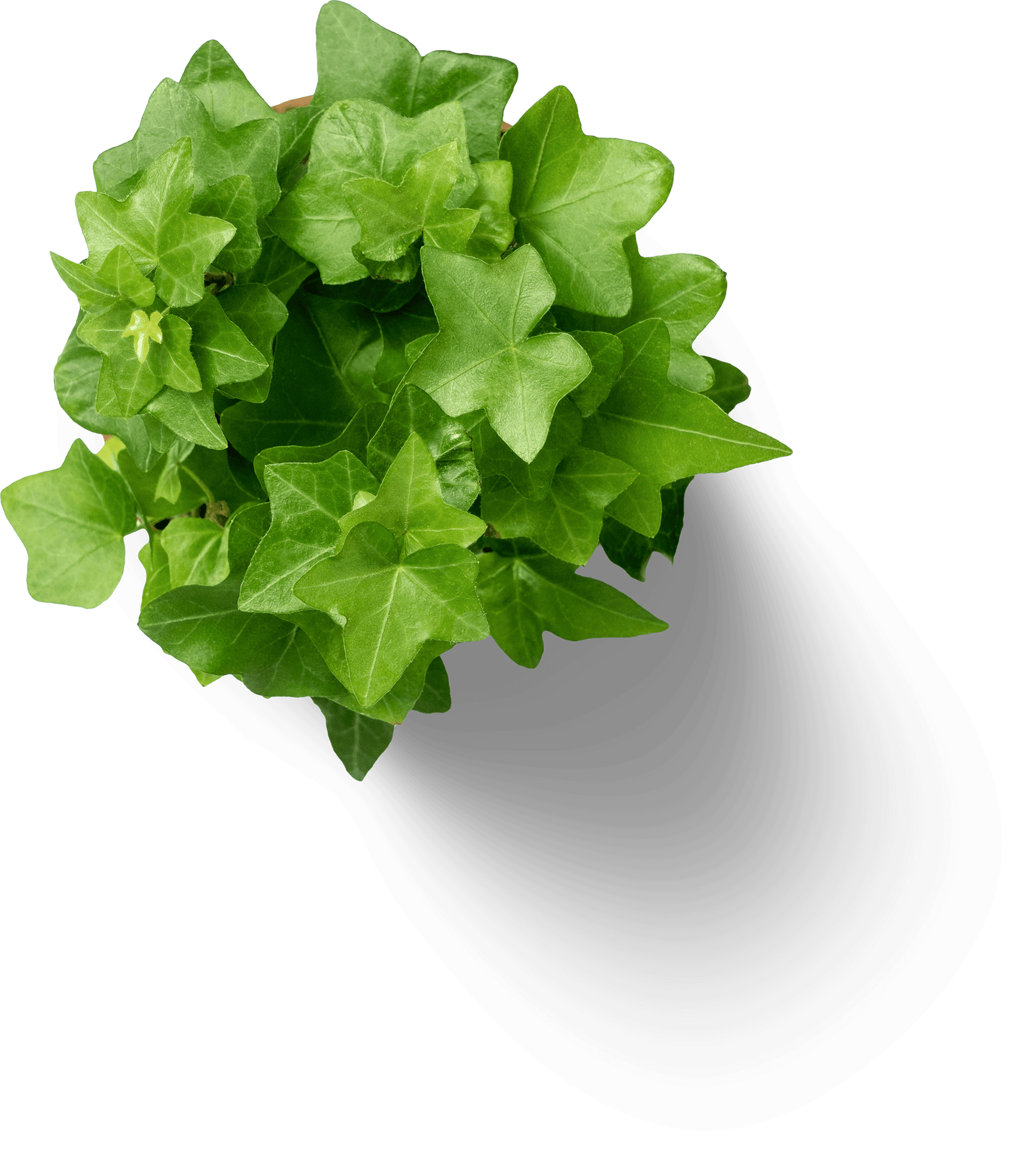


Click any tab to explore the tool or jump into the full editor.
Layers
Effects
Products
Stickers
Specs
Generate

How Moodboard works
Turn your ideas into polished visuals in just a few simple steps

Every part of the pitch - sourcing, specs, edits, direction - lives on one canvas.
No exports, no hand-offs, no back-and-forth.
01 - Board
Everything in one place.
Pull your whole scheme together on a single canvas, then export the board as a branded PDF in one click.
02 - Edits
Design-quality edits, no Photoshop.
Mask, crop, and arrange images with precision, then bring the whole board into one cohesive look, without ever leaving the canvas.
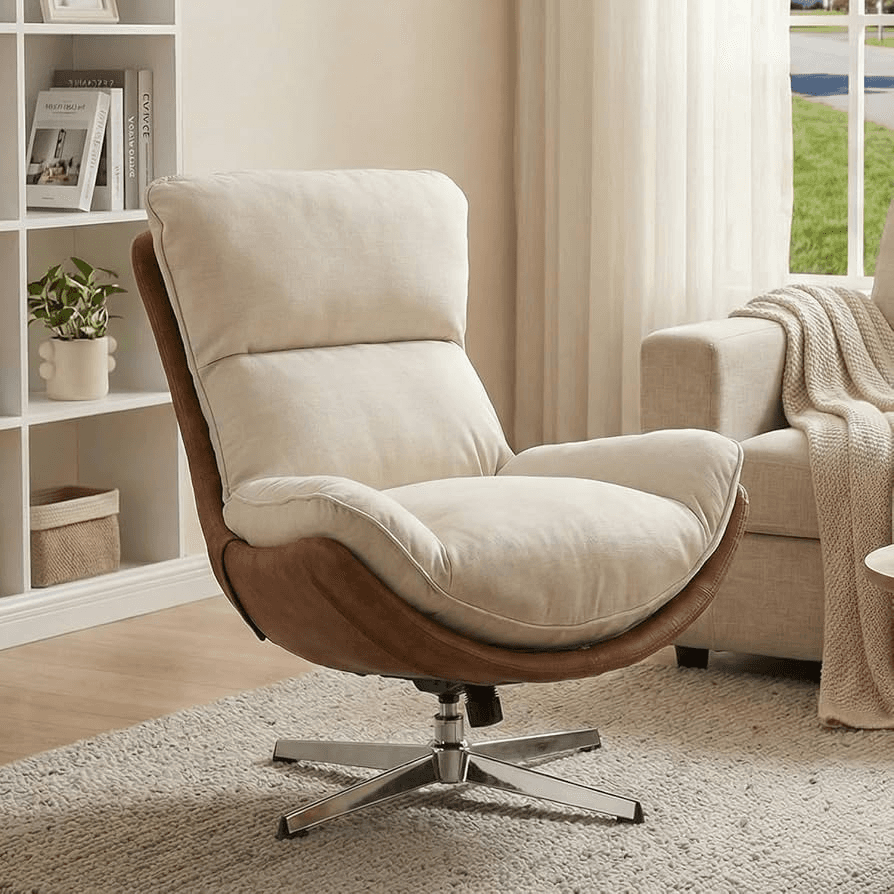


03 - Lists
Real products from real projects
Save any product from Love That Design's project photos to your list, then drop it straight onto your board.

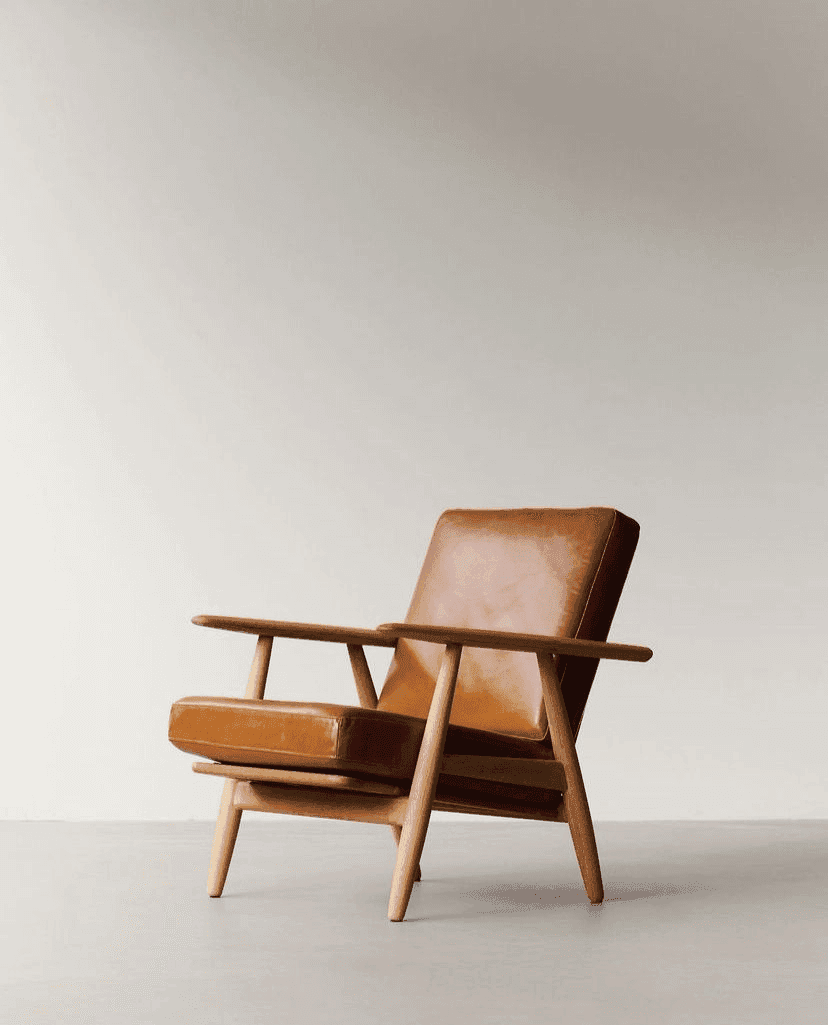


Add to Moodboard
Office Spaces lists
2 Projects, 5 Products

05 - Sourcing
Auto-match real products
Drop in any inspiration image and AI matches the products from 50K+ specified items, placed straight onto the board.



Turn your board into a 3D render
Export any moodboard as a photorealistic 3D scene. Your selections stay exactly where you placed them, now standing in a real room the client can walk into.

Stay in Space

Layered Living

Cafe Terra & Tile
Describe a product, a material, or a concept and AI generates imagery tuned to your board's palette. Explore three directions in the time it used to take to find one.
One workspace.
Endless possibilities.
Join 11,000+ interior designers who use Love That Design to win clients and deliver exceptional projects.